
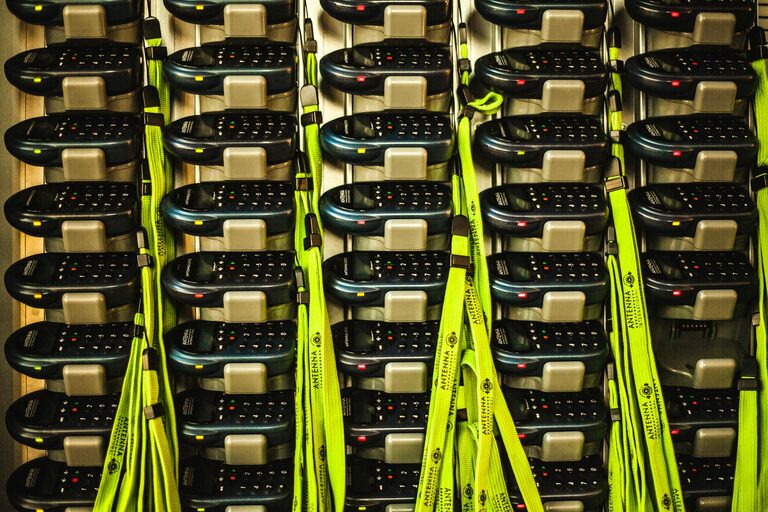
Creating a dedicated charging station for your devices can save you time, reduce clutter, and keep your gadgets powered and ready to go. Whether you’re working from home, managing a busy household, or want a streamlined charging spot in your office, setting up a station is easier than you think. In this guide, we’ll cover everything you need to know, from choosing the right location to organizing cables effectively.
Why Set Up a Charging Station?
With multiple smartphones, tablets, laptops, smartwatches, and other rechargeable gadgets, cords often become tangled, and devices get misplaced. A charging station helps by:
– Centralizing charging in one location
– Reducing wire clutter
– Protecting devices from damage
– Making devices easy to find when charged
Step 1: Choose a Location
The first step is deciding where your charging station will live. Look for a spot that:
– Has access to power outlets
– Is central and easily accessible to all users
– Is away from direct sunlight or moisture (to protect devices)
– Has enough surface space for your devices and chargers
Popular locations include a kitchen counter, home office desk, living room side table, or bedside table.
Step 2: Select Your Charging Equipment
Depending on your needs, you may want to invest in:
Multi-Port USB Chargers
These chargers allow you to plug multiple devices into one power outlet. Look for:
– Fast charging capability (e.g., USB-C Power Delivery)
– Enough ports to accommodate your devices
– Safety features like surge protection
Wireless Charging Pads
If your devices support wireless charging, these pads reduce cable clutter. You can find models that charge multiple devices simultaneously.
Charging Caddies or Organizers
Charging stations can be simple trays or specialized organizers designed to hold devices upright and keep cables in place.
Step 3: Organize Cables Neatly
Cables can quickly become messy if not managed well. Here are tips to keep them tidy:
– Use cable clips or holders to keep cords from tangling and falling
– Label each cable to know which device it belongs to
– Coil excess wire and secure it with twist ties or Velcro straps
– Consider using cable sleeves to bundle multiple cords together
Step 4: Arrange the Devices
Place your devices on the station so that each one has easy access to a charging port or wireless pad. Consider the following:
– Keep heavier devices on the bottom if stacking
– Ensure ventilation to prevent overheating
– Avoid placing devices too close to each other to prevent scratches
Step 5: Maintain Your Charging Station
Keeping your station functional and tidy will require a little maintenance:
– Regularly dust and clean the area
– Check cables and chargers for damage and replace if necessary
– Remove devices once fully charged to free up space
Bonus Tips for an Effective Charging Station
– Use a power strip with surge protection to safeguard your devices
– Consider a station with built-in USB ports in furniture for a minimalist look
– If setting up for a family, assign spots for each member’s devices
– Keep a small basket or drawer nearby for extra cables and chargers
Conclusion
Setting up a charging station is a simple way to bring order to your digital life. By selecting the right location, choosing efficient chargers, and keeping cables organized, you’ll enjoy a clutter-free space and devices that are always ready to use. With a little planning, your charging station can be both functional and a sleek addition to your home or office. Give it a try and experience the convenience for yourself!